The color, broken down
Four ways to describe one color. Each slider in the game maps to one of these dimensions.
- HEX
#4E6AB3
- RGB
- 78, 106, 179
- HSB
- 223°, 56%, 70%
- HSL
- 223°, 40%, 50%
Nearby tones that look right and are wrong
#4F5EB3#4F78B3#647AB3#395CB3#3F558FHow this color came to be
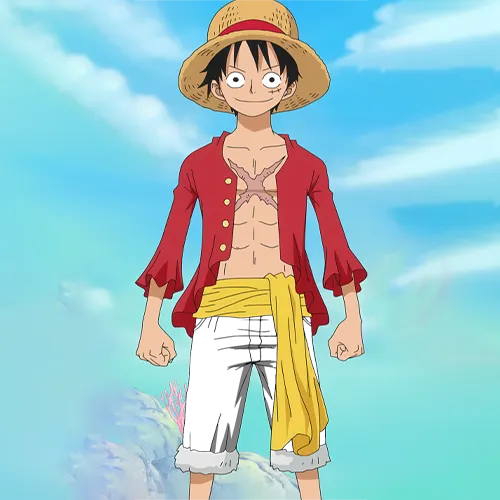
Monkey D. Luffy is the straw-hat captain of One Piece (1999). In the East Blue chapters that opened the series, his outfit is a red vest over simple blue shorts — and those shorts land on #4E6AB3, or HSB(223°, 56%, 70%).
This is a mid-everything blue: hue 223° (blue with a slight cyan lean, short of pure blue at 240°), saturation 56%, brightness 70%. None of the three dimensions is pushed to an extreme, which is exactly what makes it hard — players default to a vivid, saturated royal blue and overshoot both saturation and brightness.
Think faded denim rather than gemstone. To match: hold the hue around 223°, keep saturation just past halfway, and resist taking brightness above ~70%. If your blue feels rich or jewel-like, you've over-committed — Luffy's shorts are calmer than that.
How to match it from memory
Calibrated to this character's specific hex, not generic color advice.
- Hue: ~223°, blue with a slight cyan lean (not pure 240°).
- Saturation: ~56%, just past halfway — don't max it.
- Brightness: ~70%, mid — resist going brighter.
- Common mistake: a vivid royal blue, oversaturated and too bright.