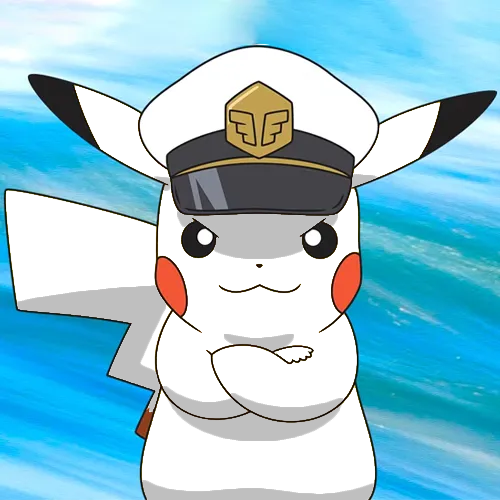
The color, broken down
Four ways to describe one color. Each slider in the game maps to one of these dimensions.
- HEX
#FCD33B
- RGB
- 252, 211, 59
- HSB
- 47°, 77%, 99%
- HSL
- 47°, 97%, 61%
Nearby tones that look right and are wrong
#FCEC3A#FCB83A#FCD958#FCCC1C#D9B532How this color came to be
Pikachu's yellow is one of the most-tested colors in cartoon memory. The hue is famous, the saturation is famous, and the brightness is almost the exception that makes the rest possible. At HSB(47°, 77%, 99%), this color sits at the very edge of what a screen can display without crossing into pure light — a yellow turned all the way up to "on."
Most players who guess Pikachu wrong fail in the same way. They reach for the hue first, find a believable yellow somewhere between 45° and 55°, and then settle into a saturation around 60–70%. That's a fine yellow for many things. It is not Pikachu. The character's color almost ignores the saturation slider — it's pushed close to the maximum the cartoon palette will allow — and the brightness is at the ceiling. If you remember Pikachu only as "yellow," you'll undershoot both dimensions at once.
There's also a small hue trap. Pikachu's exact hue sits a touch warmer than pure yellow on most monitors. Pure yellow would be 60°. Pikachu lives several degrees lower, leaning toward orange just enough to feel alive on screen. This is true for almost every iconic yellow cartoon character, and it's why a "lemon" yellow always looks slightly wrong even when it's mathematically close.
How to match it from memory
Calibrated to this character's specific hex, not generic color advice.
- Push brightness to the very top.
- Push saturation past 75%, not to 60–70%.
- Nudge the hue a few degrees warmer than pure yellow.
- If your guess feels "almost cartoon-loud," you're on the right side.