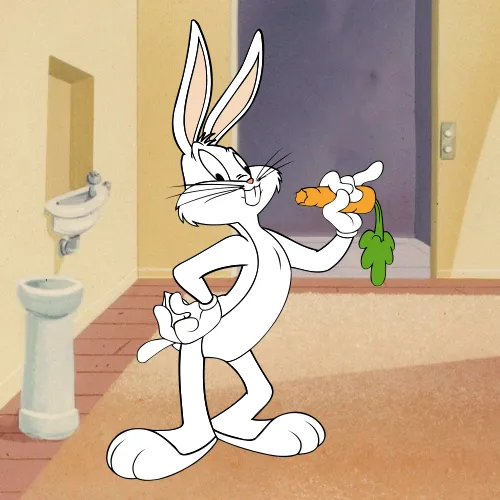
The color, broken down
Four ways to describe one color. Each slider in the game maps to one of these dimensions.
- HEX
#ABB5B7
- RGB
- 171, 181, 183
- HSB
- 190°, 7%, 72%
- HSL
- 190°, 8%, 69%
Nearby tones that look right and are wrong
#ABB4B8#ABB7B8#B8B8B8#95B2B8#8A9294How this color came to be
Bugs Bunny first appeared in Tex Avery's A Wild Hare in 1940, though the character we know — the wisecracking, carrot-chewing Looney Tunes rabbit — was refined through dozens of shorts over the next two decades. His fur color was never a flashy red or yellow; it was always a soft, slightly cool gray, a choice that gave him universal "cartoon rabbit" appeal while keeping the visual focus on his black ears, white face, and pink mouth.
The hex resolves to HSB(190°, 7%, 72%). The hue technically lives in the cyan-blue range, but the saturation is so low — single digits — that it reads as plain gray to the eye. The brightness is high, around 72%, which is what distinguishes Bugs's gray from Tom Cat's darker gray. Bugs is a "light" gray; Tom is a "mid" gray. Both have almost no chroma.
Players consistently overshoot this color in saturation. The instinct is to add warmth ("rabbits feel warm") or coolness ("animation feels stylized"). Bugs is calibrated to neither — he's neutral. This is the kind of color where the saturation slider matters more than the hue slider; the hue almost doesn't register at this saturation level.
How to match it from memory
Calibrated to this character's specific hex, not generic color advice.
- Saturation: under 10% — almost no chroma.
- Brightness: ~72% — high but not white.
- Hue: doesn't really matter at this saturation, but technically a cool cyan.
- Common mistake: adding too much warmth, drifting toward beige.